What an MCP server is, and why it matters
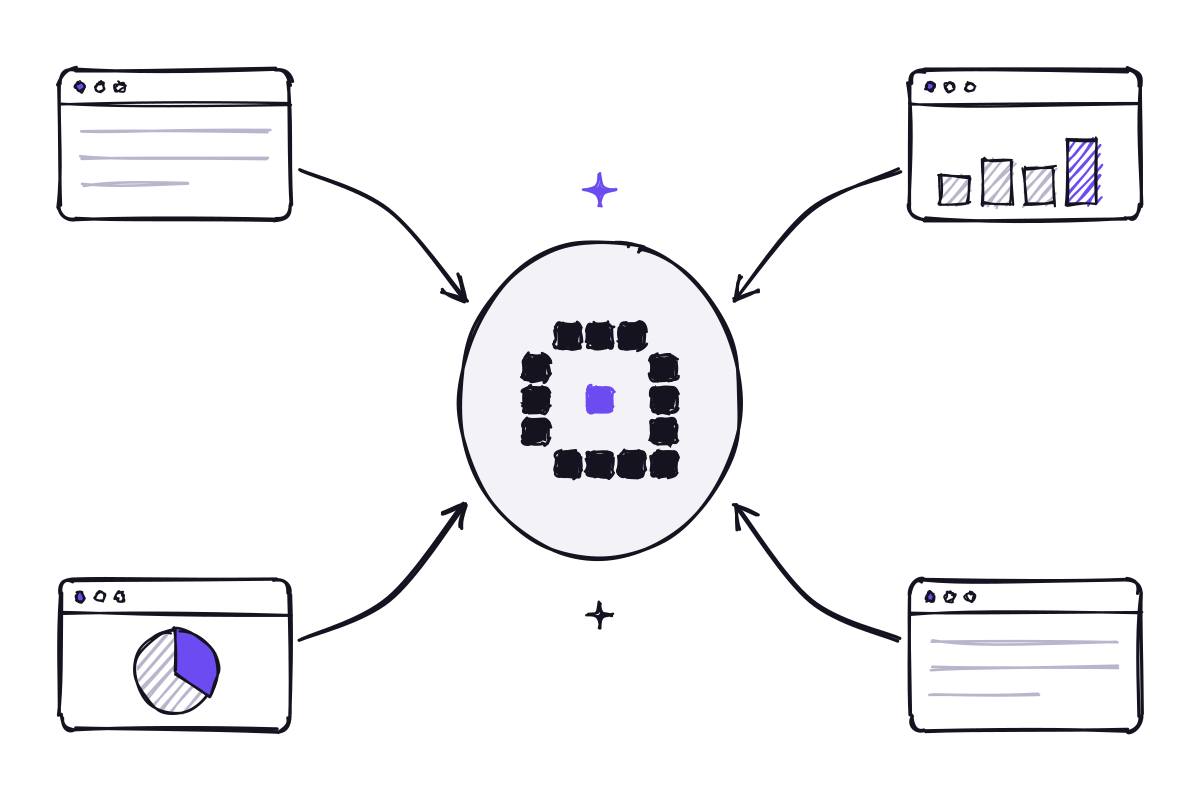
The Model Context Protocol is the standard way to connect an AI assistant to business tools and data. What it means in practice, and how to plan your first connections without mistakes.
Data · 4 min read
An assistant only answers well if it reads tidy, up-to-date documents. How to sort out archives, versions and ownership before connecting them, without turning it into an endless project.
When an AI assistant gets a question about a procedure wrong, the cause is often not the model. It is the archive: three versions of the same policy, a draft that was never approved saved next to the official document, an outdated price list nobody moved. The assistant reads what it finds, and if the information is contradictory it has no way of knowing which version is valid.
Tidying up before connecting your sources is therefore an investment with an immediate return. It is not about reorganizing the entire company archive, but about making reliable the parts the assistant will need to consult. The benefit is not limited to AI, either: people find what they need faster too.
Messy archive
AI-ready archive
The first step is to decide which documents are really needed. Start from the use cases: if the assistant will answer questions about internal procedures and contract terms, it needs the procedures in force and the contract templates, not the office’s entire shared folder with years of accumulated material.
A limited scope has two advantages. It reduces the cleanup work and it reduces the risk of the assistant drawing on irrelevant or confidential material. The scope can always be widened later, once the quality of the answers in the first area has been checked.
A practical test for setting it is to ask, for each folder, whether a new colleague would need to consult it to do their job well. If the answer is yes, the material is a good candidate; if nobody can say what it is for, it can probably stay out.
For every document in scope, two things must be clear: which version is in force and who is responsible for it. Earlier versions can be kept, but in an archived area the assistant does not consult, or with a status that sets them apart unmistakably. Drafts should be kept separate until they are approved.
The owner does not have to do everything alone. Their job is to know when a document changes and to make sure the new version replaces the old one in the right place. Without this role, the archive becomes messy again within a few months, and so do the answers.
Titles matter too. A title that says what the document is about and which period it covers helps people find it and helps the assistant cite it in a way that makes sense.
Not all files are equally readable. A PDF generated from a word processor reads without any trouble, while a poor-quality scan or a photo of a document may be unreadable or only partly read. It is worth identifying the important documents that exist only in these formats and replacing them with digital versions. The same goes for spreadsheets used as text documents, with information scattered across cells and tabs without clear headings.
Archive permissions must reflect the real ones. If a folder containing HR data is open to everyone out of habit, connecting it to the assistant will make it easy to find what was previously just hard to look for. This is the right moment to review access: by respecting permissions, the assistant finally makes them visible.
Before connecting an archive
The initial effort is of little use unless it becomes a habit. A periodic review of the most consulted documents, a simple rule on where to save drafts and a channel for reporting answers based on outdated documents are enough for most companies. These are small gestures, but they stop the archive from filling up again with forgotten copies and versions.
With Innovaq’s AI, the archive is connected through an MCP server or API, and every answer shows the document it comes from. When an answer is based on an outdated text, the cited source points straight to the file that needs fixing. The request log, in turn, shows which documents are consulted most often and therefore deserve the most care.
An assistant can never be more up to date than the documents it reads.
Keep reading
The Model Context Protocol is the standard way to connect an AI assistant to business tools and data. What it means in practice, and how to plan your first connections without mistakes.
Off-the-shelf models are ready to use and powerful; a dedicated AI knows your company’s language better. How to choose, and why the best answer is often a combination of the two.
Innovaq is a company in its launch phase.