What an MCP server is, and why it matters
The Model Context Protocol is the standard way to connect an AI assistant to business tools and data. What it means in practice, and how to plan your first connections without mistakes.
Everyday use · 4 min read
An assistant that answers in natural language is only as useful as the questions it receives. How to phrase requests, read the sources and recognize when an answer needs a closer look.
People using an assistant connected to company data for the first time tend to type as if into a search engine: two or three words, no context. “Rama invoices” could mean invoices issued to the customer Rama, invoices received from the supplier Rama, or those handled by a salesperson called Rama. The assistant will pick one interpretation, and it may not be the right one.
An effective question says what you are looking for, across which set and over which period. “Which invoices issued to Rama Sh.p.k. are still unpaid at month end?” leaves little room for misunderstanding and lets the assistant go straight to the right module and filters. This is not a matter of style: it is the difference between an answer you have to double-check and one you can actually use.
Vague question
Clear question
Three elements improve almost any request. Context, meaning what the answer is for: a call with a customer in ten minutes calls for a different summary than an analysis for management. Period, because without guidance the assistant might look at the entire history or only at the latest data. Format, which could be a list to skim, a table to paste into a report or three lines to read out on the phone.
There is no need for long paragraphs. A well-built sentence is almost always enough, and if the answer is not what you expected, it is quicker to refine it in the next question than to start again. The assistant follows the thread of the conversation, so you can drill down step by step, just as you would with an experienced colleague who knows the data well.
A good question states
Every answer about company data should say where it comes from: the customer record, the invoice, the procedure document. Sources are not a technical detail. They let you check an important figure in seconds before passing it on, and show whether the assistant has looked at the right data.
It pays to build a simple habit: the more an answer matters, the more attention its sources deserve. For information to be used in an internal meeting, a quick glance is enough; for an amount to be quoted to a customer, it is better to open the document cited. If an answer arrives with no sources, or with sources that have nothing to do with the question, that is a signal not to ignore.
The more an answer matters, the more attention its sources deserve.
A good assistant says clearly when it cannot find a piece of information or when the person asking does not have permission to see it. That is not a malfunction; it is the correct behavior. “I found no data on this customer” is far more useful than a plausible but invented answer.
When it happens, it is worth asking why. The data may sit in a system that has not been connected yet, in a document that cannot be read, or in an area reserved for another department. Flagging these cases to whoever manages the tool helps decide which sources to add and which permissions to review, without working around the rules.
Partial results also need careful reading. If the assistant warns that it has shown only some of the items it found, the right conclusion is not that the rest does not exist, but that the question should be narrowed.
The most useful questions often cut across several areas: which customers have open proposals and overdue invoices, which team members have a training deadline in the very month they are scheduled on an important job. Today, answering them means opening several screens and cross-referencing exports by hand.
With Innovaq’s AI these questions are answered in one place, because the assistant reads data from CRM, Sales, Finance, People, Task, Learning and Regulate while respecting the permissions of the person asking. Every answer links to the records and documents it used, and when an answer leads to an action, such as a reminder or a draft email, the assistant prepares it and waits for confirmation.
Keep reading
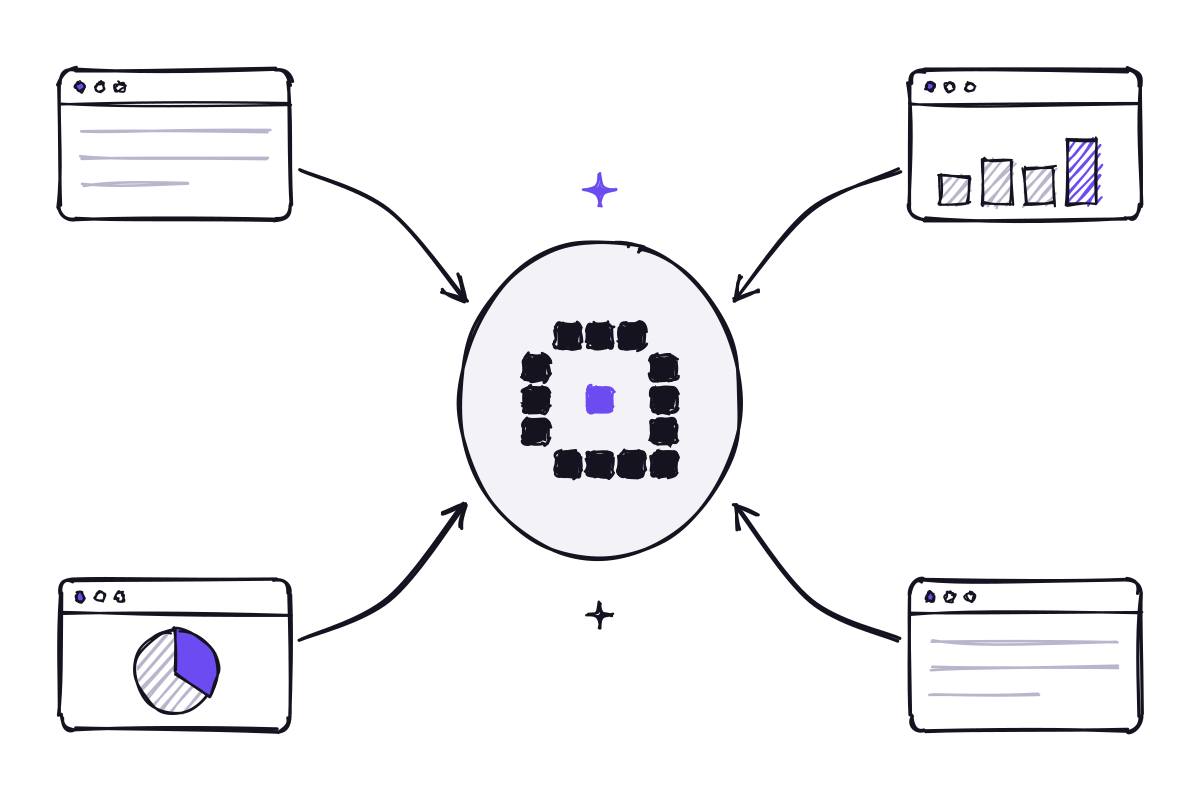
The Model Context Protocol is the standard way to connect an AI assistant to business tools and data. What it means in practice, and how to plan your first connections without mistakes.

Off-the-shelf models are ready to use and powerful; a dedicated AI knows your company’s language better. How to choose, and why the best answer is often a combination of the two.
Innovaq is a company in its launch phase.