How to build an onboarding checklist that actually works
A good onboarding checklist isn’t a list of forms to sign: it’s a shared plan that brings HR, managers and IT together. Here’s how to design one, step by step.
Privacy and security · 3 min read
Employee data is among the most sensitive a company holds. How to design roles and permissions so everyone sees what they need, without holding up day-to-day work.
In most companies, access to employee data grows organically. A shared folder is opened to a manager for a specific need, then to a colleague covering for them, then to someone in accounting. A few years later, nobody knows exactly who can read what.
Yet HR data includes contracts, pay, identity documents, reviews and absences. This is information people expect to remain confidential, and data protection rules require it to be handled with care. Designing access methodically is a matter of respect as well as an obligation.
The guiding principle is easy to state: everyone should see the data they need to perform their role, and nothing else. A department manager needs to know who is off tomorrow and what skills the team has; they don’t need to look at pay stubs. The personnel office manages contracts and documents; senior management looks at the summaries.
Applying this principle means thinking in terms of roles, not individuals. Instead of granting access to Mark or Gerta, you define profiles such as team manager, personnel administration, senior management and employee, and assign people to them. When someone changes position, their profile changes and their access updates accordingly.
Employees are a role in their own right. Being able to view their own documents, absences and personal details, and to flag a correction when something doesn’t add up, reduces requests to the personnel office and improves overall data quality.
Access by person
Access by role
A role defines what someone can do, but you also need to establish over whom. A manager sees data for their own team, not the whole company; a site lead sees the people at their site. This scope follows naturally from the org chart, provided the org chart is kept up to date as data rather than as a drawing.
Watch out for special cases, which is often where gaps appear: temporary replacements, interim managers, external consultants. It’s wise to grant access with an end date, so it doesn’t stay active simply because someone forgot.
Even the best role design degrades over time if it isn’t checked. Every access to an employee file and every change should be logged, with date and author. The point isn’t to monitor colleagues, but to be able to reconstruct what happened when in doubt and to give assurance to the people whose data is being processed.
A periodic access review, even every six months, helps remove permissions that are no longer justified. It takes little time if roles are few and clear, and a great deal if access has been granted case by case.
One final point concerns exports. Even the best-configured system loses its effectiveness if data is downloaded into spreadsheets that then circulate by email. It’s best to restrict exports to the roles that genuinely need them and, where possible, to favor reports that can be viewed directly in the tool.
Periodic access review
The first step is an inventory: what employee data exists, where it is held and who can access it today. The second is to define a small number of roles, with their permissions and scopes, and agree on them with senior management. Only then does it make sense to choose or configure the tool.
In People, access is defined by role and organizational scope, the org chart is derived from employee file data and every action is logged. The most important work, however, is still the design: deciding together who should see what makes every subsequent choice simpler and easier to defend.
Keep reading

A good onboarding checklist isn’t a list of forms to sign: it’s a shared plan that brings HR, managers and IT together. Here’s how to design one, step by step.
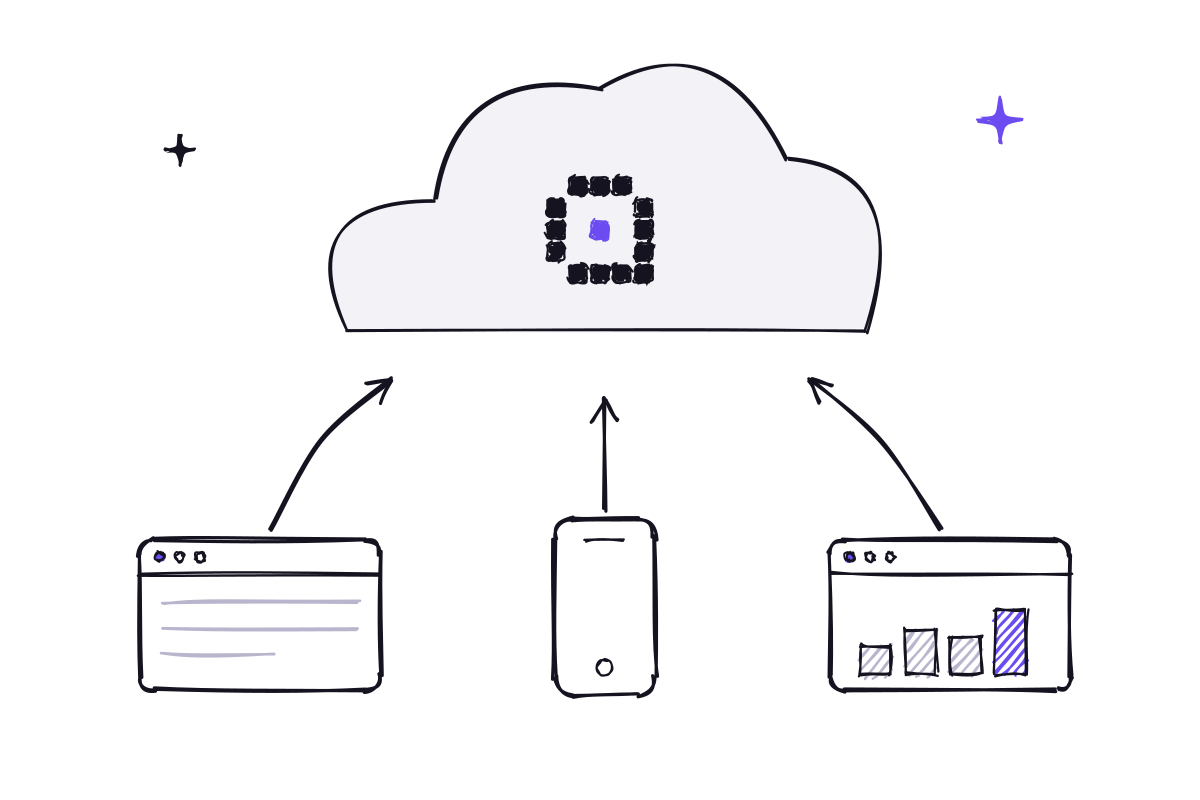
Contracts, documents, certifications and deadlines in one place: how to organize the employee file so it is complete, up to date and accessible only to those who need it.
Innovaq is a company in its launch phase.